
Features
Everything a phone shop does, in one place
Selling, stock, credit, returns, staff and numbers: here is what Inventra does for each, in plain words.
Selling
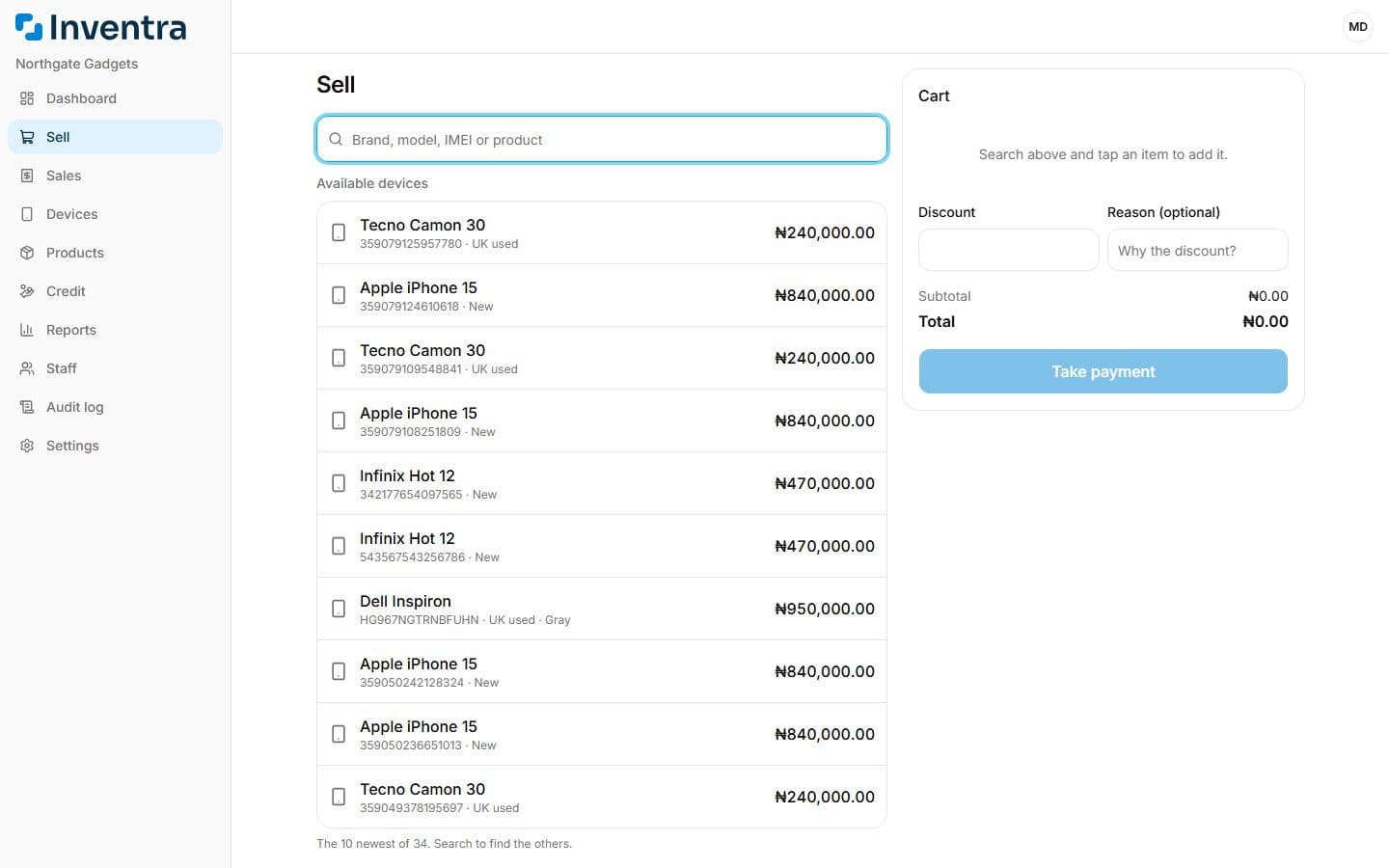
A sale takes a phone, its case and a charger in one go, and ends with a receipt.
- Find a device by brand, model or IMEI, or an accessory by name, and add it to the cart.
- Selling something you have not entered yet? Add it from the sell screen and it goes into stock and straight into the cart.
- Take cash, transfer or POS, split across more than one, or let the customer pay the rest later.
- Give a discount with a reason; staff can only give up to the limit you set.
- Print a receipt with your logo, your guarantee, your refund rules and your signature, or send the PDF to the customer on WhatsApp.
Devices and stock
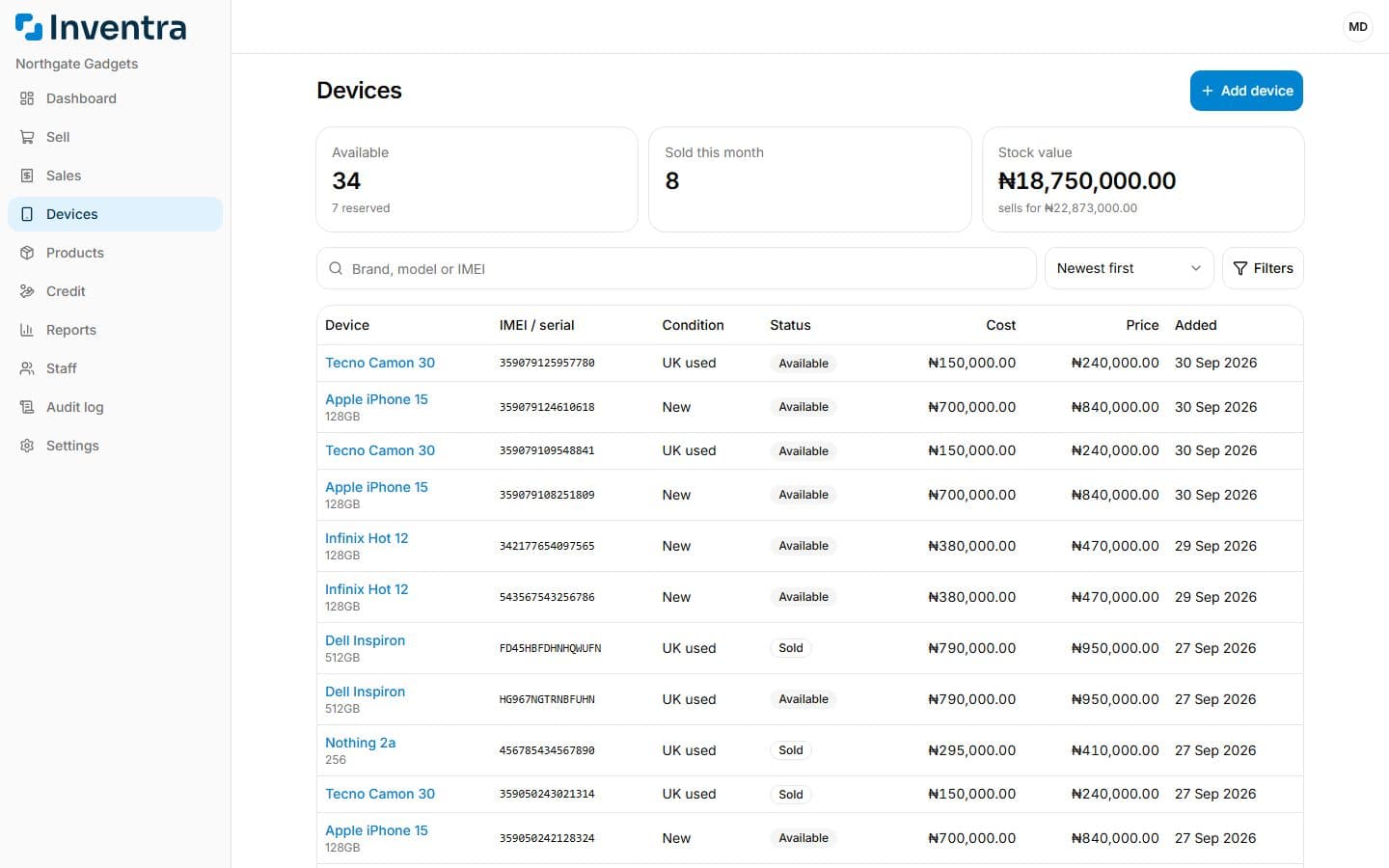
Phones and laptops are counted one by one; accessories are counted in bulk.
- On the Shop and Business plans, bulk import your stock list from an Excel or CSV template: every row is checked before anything is saved.
- Every device keeps its IMEI or serial, condition (new, UK used, Dubai used and more), cost and price.
- Reserve a device for a customer, mark one faulty, or buy one back from a customer you sold it to.
- Accessories go down with each sale and up with each delivery, with a warning below your reorder level.
- Correct a count with a reason (damaged, lost, expired), and see every movement in the product's ledger.
Credit and returns
Money owed and goods coming back are part of the day, not an exception.
- The credit page lists every sale with money still owed, how much and for how long.
- Record part payments against the sale until it is paid off; the owner gets a weekly summary.
- Take a device back under guarantee, exchange it for another, or refund the difference.
- Stock and money follow every return, so the numbers stay right.
Staff and control
Your staff sell; you decide what else they can do. Shop includes up to 3 staff and Business as many as you need.
- Add staff by phone number; they get a text to set up their account.
- Choose who can see cost prices, add stock, give discounts, take returns or see reports.
- On Business, the staff performance report shows each person's sales, discounts, returns and collections, and the audit log shows who did what, and when.
- Pause a staff member's access at any time without losing their history.
Numbers you can use
Know how the shop is doing without adding anything up.
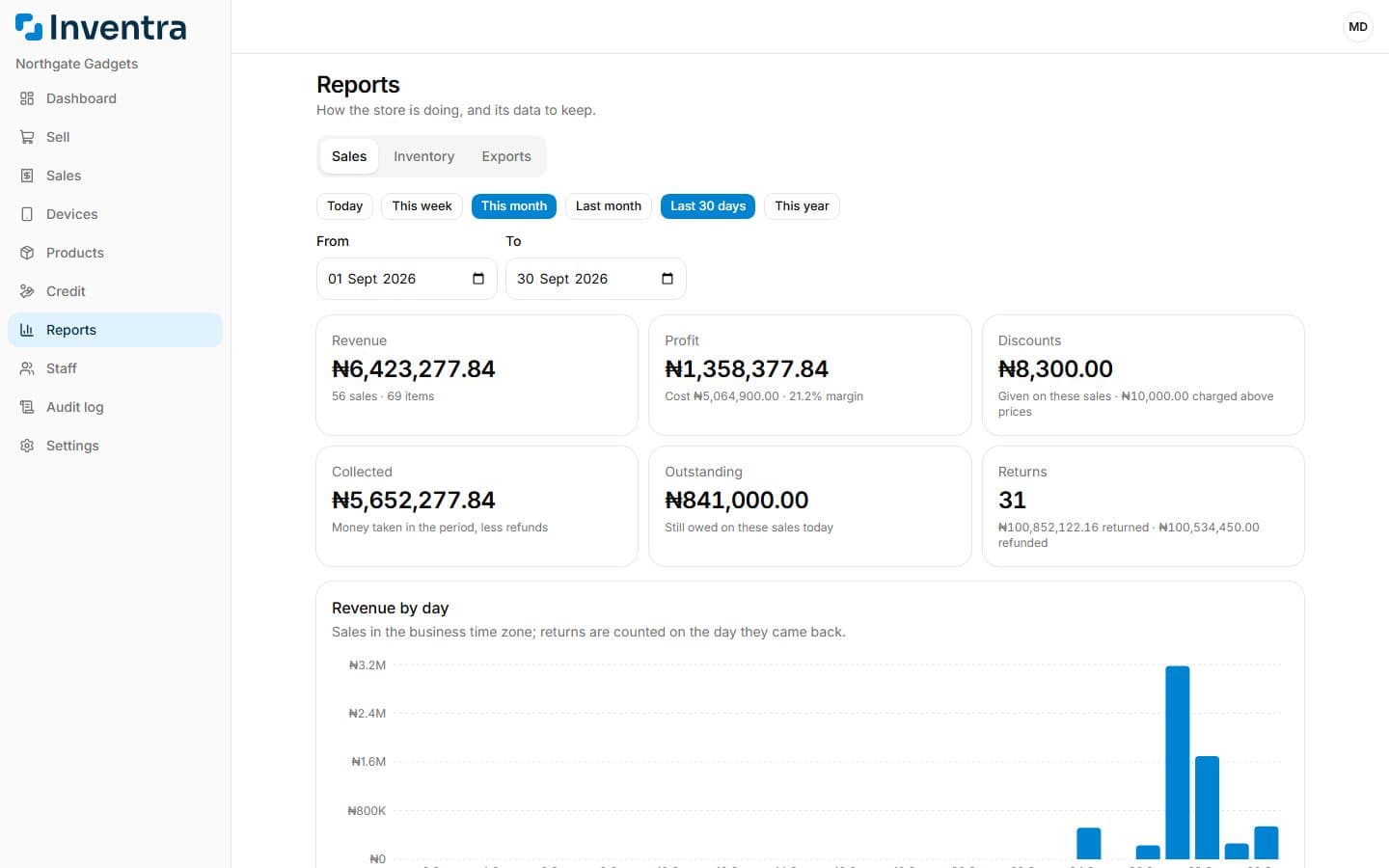
- The dashboard shows today, this week and this month, with profit for those who may see it.
- On the Shop and Business plans, sales and inventory reports for any period, down to the day.
- On Business, export sales, payments, devices, products and stock movements to Excel or CSV for your accountant.
- Your records are kept securely and backed up, and only the people you allow can see them.
See it working in your shop
Sign up in minutes: confirm your phone on WhatsApp, add your shop's details, and your free trial starts when you open your store.
Start your free trial